Chart Perio Exams with Your Voice
Speak. Chart. Continue Treating.
Record probing depths, bleeding points, and recession measurements in real-time using just your voice. Dentulu AI captures every detail instantly helping providers complete perio exams faster, more accurately, and without needing an assistant.
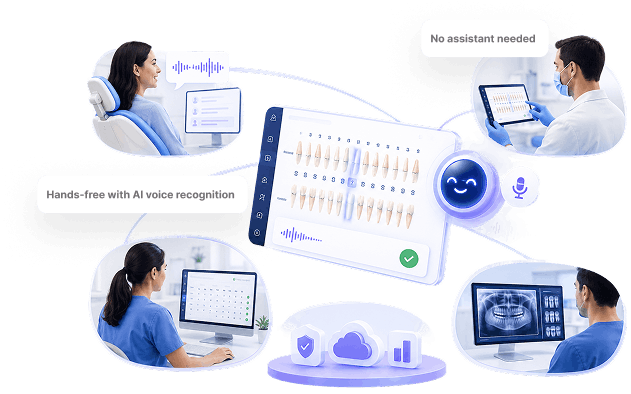
Voice-Powered Perio Charting
Chart exams in real-time no assistant required.
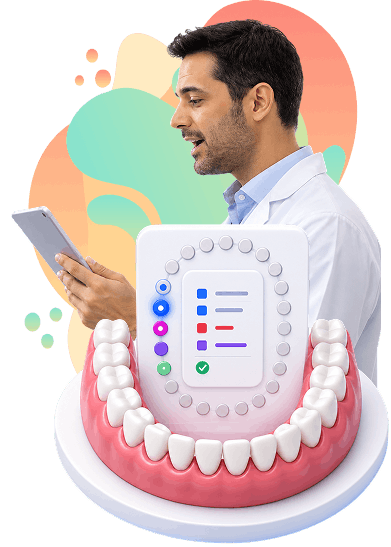
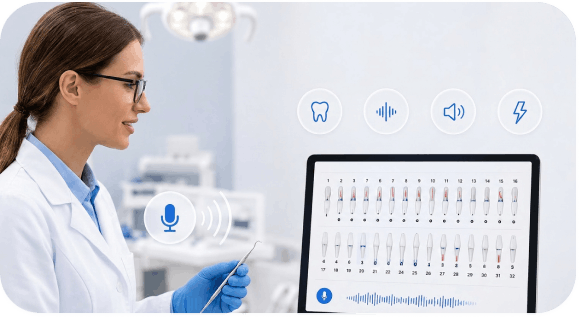
Denvis listens, understands dental terminology, and automatically fills the perio chart as you probe. Reduce interruptions, eliminate manual transcription, and complete documentation faster with a smoother exam workflow.
01
Requires a dedicated assistant to record readings

with Dentulu Pro
Activate voice mode on your tablet, phone, or computer
02
Creates awkward stop-start rhythm during exams
with Dentulu Pro
Begin probing — speak readings as you measure
03
Increases labor costs and scheduling complexity
with Dentulu Pro
AI transcribes speech and maps to correct tooth/site
04
Prone to miscommunication and transcription errors
with Dentulu Pro
Visual confirmation on screen as you go
05
Solo practitioners struggle without a second set of hands
with Dentulu Pro
Review and edit before saving
06
Post-exam documentation increases errors.
with Dentulu Pro
Post-exam documentation increases errors.
How Voice Charting Works
Speak naturally. Chart instantly.
Activate voice mode, begin probing, and let Denvis capture periodontal findings in real-time. AI maps readings to the correct tooth and site, provides live visual confirmation, and automatically saves the completed chart to the patient record after review.
Activate Voice
Activate voice mode on your tablet, phone, or computer

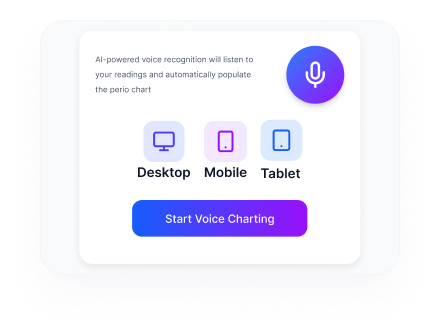
Start Probing
Begin probing speak readings as you measure
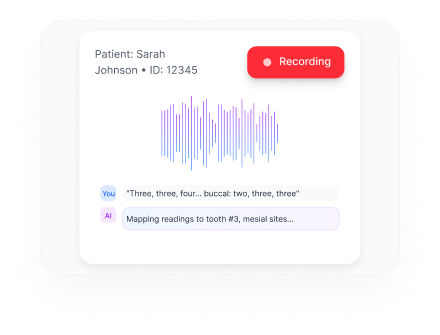
AI Maps Readings
AI transcribes speech and maps to correct tooth/site
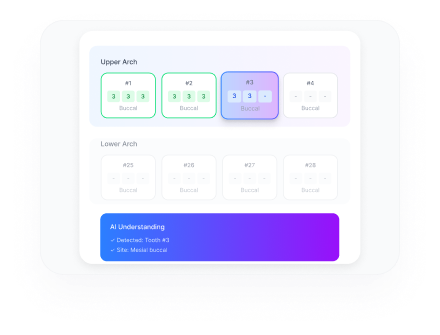
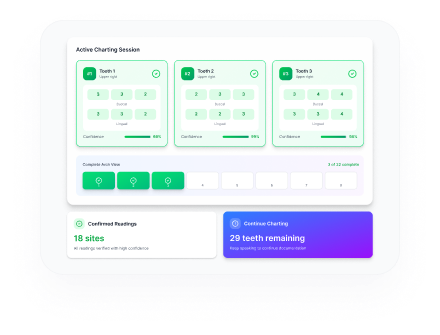
See Live Confirmation
Visual confirmation on screen as you go
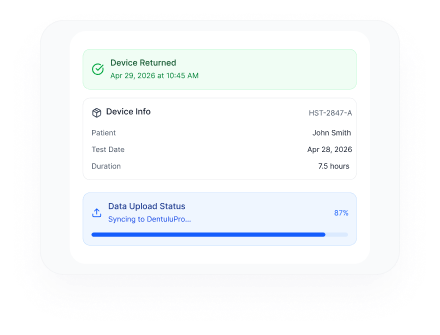
Review & Adjust
Review and edit before saving
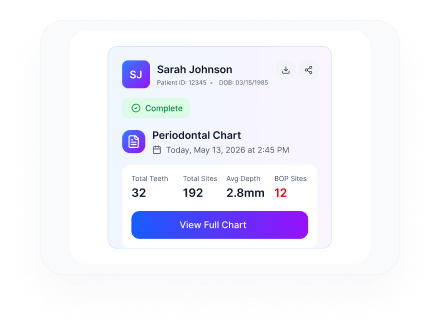
Auto-Save to Chart
Chart attaches to patient record automatically
VOICE COMMAND REFERENCE
Natural Commands. No Learning Curve.
Voice Perio Charting understands natural dental speech. It converts clinical speech into accurate chart entries, helping providers chart faster with fewer interruptions.
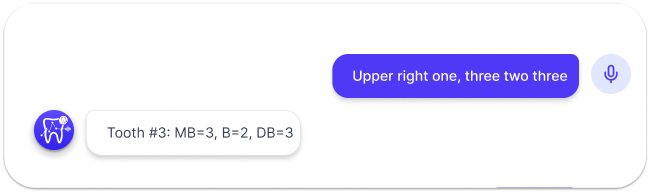
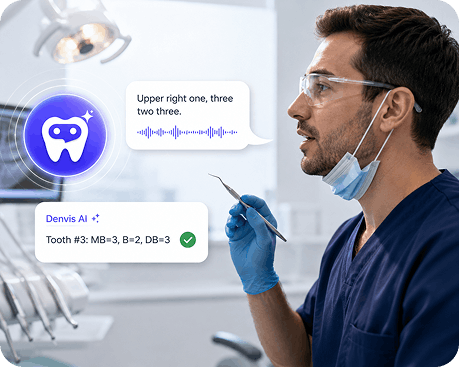
TRADITIONAL VS. VOICE CHARTING
Compare the traditional assistant-dependent workflow with AI-powered voice charting. Denvis helps providers chart faster, reduce interruptions, improve documentation accuracy, and complete periodontal exams with a smoother, hands-free experience.
| Traditional Method | Voice Perio Charting | |
|---|---|---|
| Staff Required | Dentist + Assistant | Dentist only |
| Hands | One hand probing, one hand idle | Both hands free for probing |
| Accuracy | Human transcription errors | AI verification + review |
| Speed | Stop-start rhythm | Continuous flow |
| Exam Time | 15-20 minutes | 8-12 minutes |
| Documentation | Manual entry after | Real-time charting |
| Cost | Assistant labor cost | Included in subscription |
What you can chart
Complete Periodontal Documentation
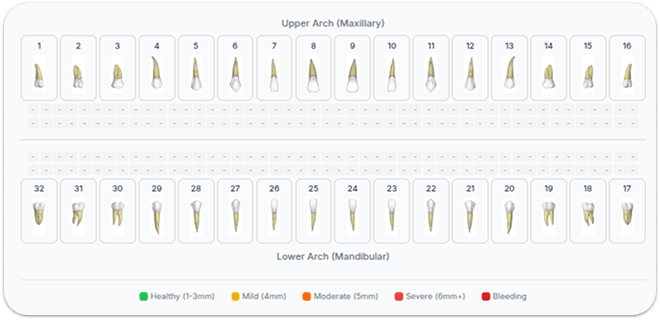
Capture every critical periodontal finding through natural voice commands from probing depths and bleeding points to recession, furcation, mobility, implants, and clinical notes.Denvis automates data organization, aiding providers in faster, accurate perio documentation.
Try Voice Charting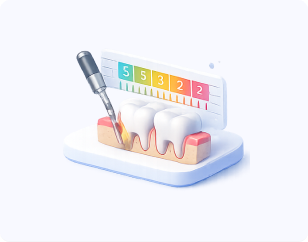
Probing Depths
- 6-point probing (MB, B, DB, ML, L, DL)
- Supports 1-15mm readings
- Automatic sequencing through sites
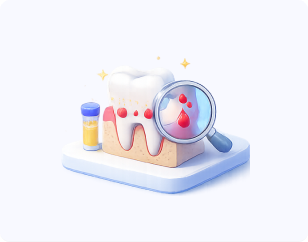
Bleeding & Suppuration
- Bleeding on probing (BOP)
- Suppuration/purulence
- Site-specific notation
Recession & CAL
- Recession measurements
- Clinical attachment level (calculated)
- Mucogingival junction
Additional Findings
- Furcation involvement (Class I, II, III)
- Mobility (Grade I, II, III)
- Missing teeth
- Implants
- Notes and observations
"How It Works Under the Hood"
Our technology is powerful yet invisible. With voice recognition and device flexibility, we've removed traditional data entry friction. Focus on patient health while our system manages documentation and security.
Try VoiceChartSpeech Recognition
Built specifically for dental workflows, the AI understands periodontal terminology, adapts to provider speech patterns, and delivers fast, accurate voice transcription even in busy clinical environments.
Device Compatibility
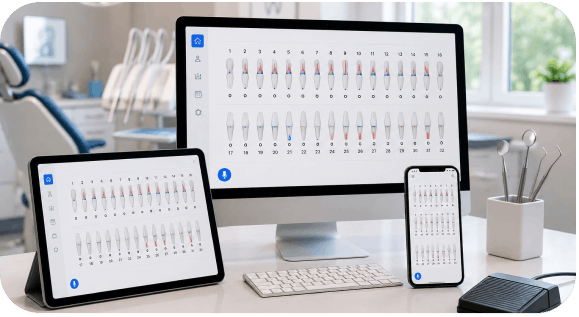
Use Voice Perio Charting on the devices you already have — tablet, phone, or desktop — with a flexible browser-based setup designed for seamless chairside use.
Data & Integration
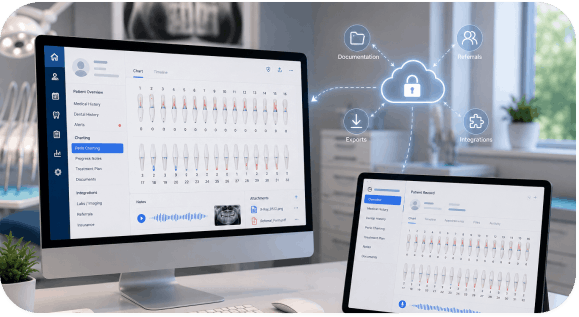
Every chart entry is securely connected to the patient record in DentuluPro, making documentation, referrals, exports, and practice integrations smooth and workflow-ready.
GETTING STARTED
Start Charting in Minutes
Get up and running with Voice Perio Charting in just a few minutes. Enable voice mode, optionally calibrate for your speaking style, and start charting directly inside DentuluPro. With a simple workflow and guided onboarding, most providers become comfortable using it within their first few exams.
Training: Short tutorial video available in the Help Center. Most users are proficient within 2-3 exams.
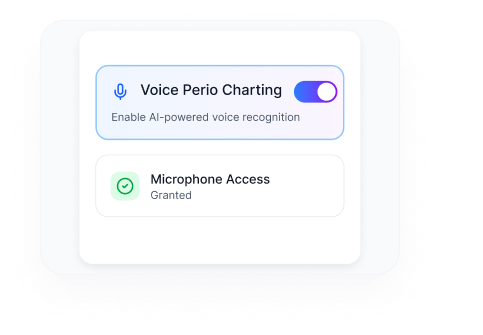
Enable Voice Charting
In your DentuluPro settings, enable Voice Perio Charting. Grant microphone permission when prompted.
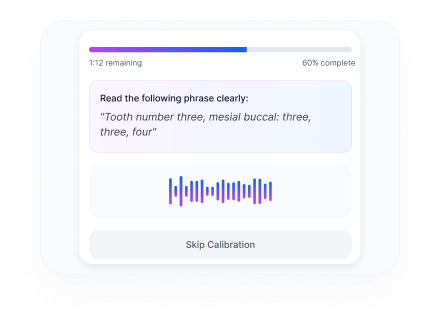
Calibrate (Optional)
Run the 2-minute voice calibration to improve accuracy for your voice and accent. Skip if you prefer to start immediately.
Start Charting
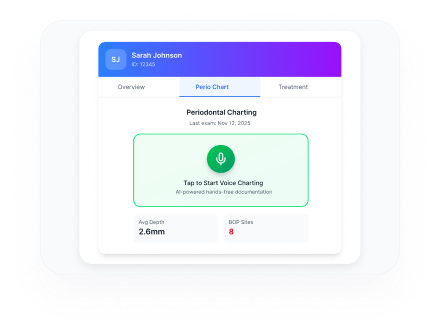
Open a patient record, navigate to Perio Charting, tap the microphone icon, and begin speaking your readings.
ACCURACY & REVIEW
Trust But Verify
Accuracy Note: Best results with clear speech in a reasonably quiet environment. We recommend reviewing the chart before finalizing, as with any documentation method.

Visual confirmation on screen as you speak

Full review screen before saving

Audio feedback option to confirm entries

Edit any entry with touch or voice

Easy correction: "Go back" or "Undo" commands

Audit trail of original vs. corrected values
Pricing
Included with Your Subscription
Voice Perio Charting comes built into DentuluPro with no hidden fees, usage caps, or add-on charges. Whether you're a solo provider, hygienist, dental office, or enterprise group, your team gets unlimited access to AI-powered periodontal charting as part of your subscription.
DentuluPro Dental Office subscription
($99/mo)DentuluPro Solo Provider subscription
($79/mo)DentuluPro Dental Hygienist subscription
($79/mo)DSO/Enterprise plans

Free Your Hands. Chart with Your Voice.
Join providers who've cut perio exam time in half and eliminated the need for a charting assistant.
Provider FAQ
Find answers to common questions about clinical implementation, billing, and regulatory requirements for dental sleep medicine.
Still have questions?
Our AI and dental specialists show how Voice Perio Charting fits your practice hands-free charting, real-time documentation, and smoother workflows.
Contact Support @ (888)-905-0226